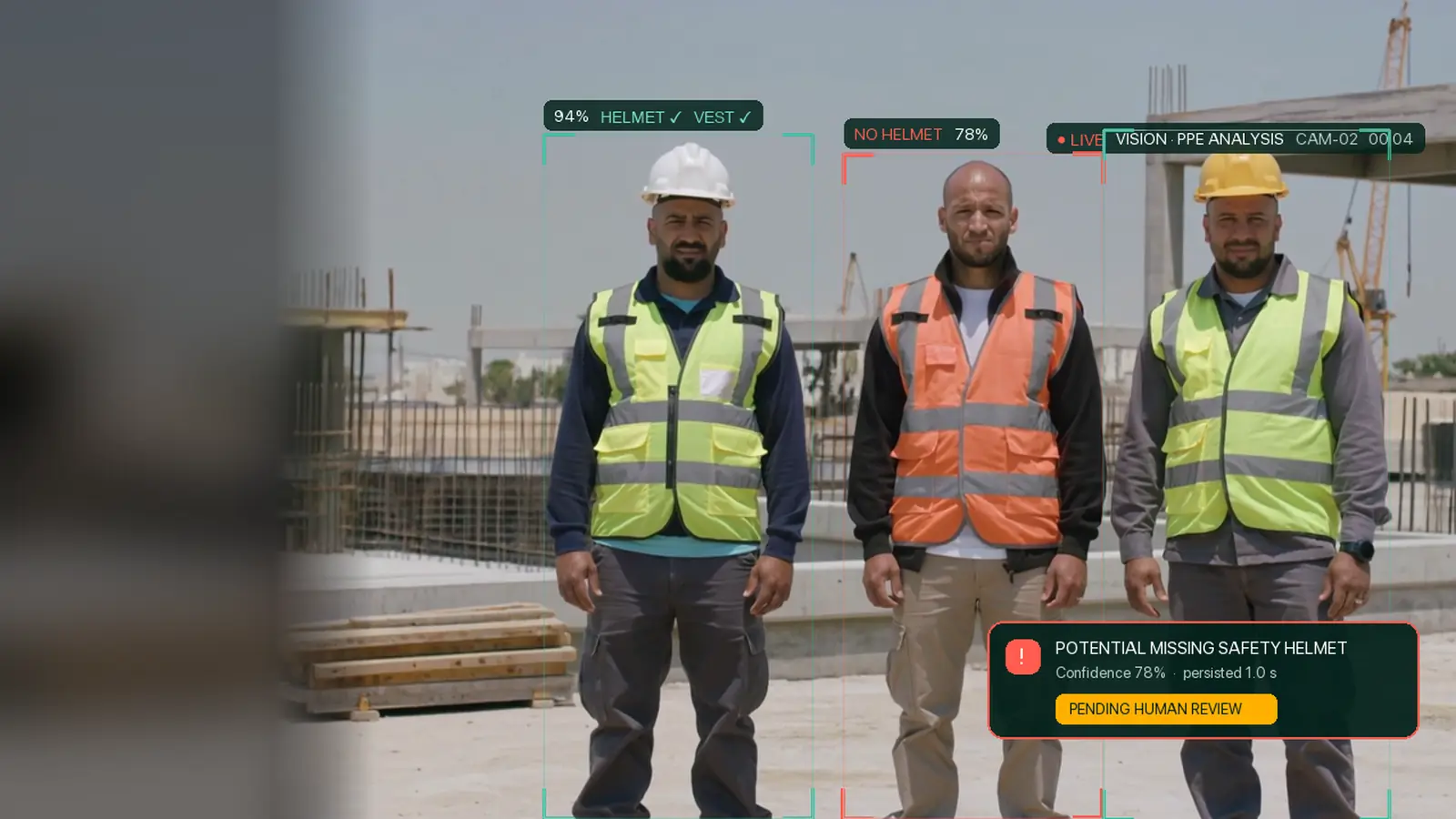
PPE lapses are fleeting
A helmet comes off for a minute; a vest is left in the cabin. Those moments rarely make it into a report.

 VISION
Three apps, working as one
Green Codes VISION
VISION looks through inspection cameras for missing PPE, people inside exclusion zones and other potential hazards — then puts every finding in front of a competent person to confirm before anyone acts on it.
The challenge
Most unsafe moments are brief and go unrecorded. The ones that are noticed often never become an action anyone follows up.
A helmet comes off for a minute; a vest is left in the cabin. Those moments rarely make it into a report.
Under schedule pressure, people step behind barriers or into the working area of plant.
Photos sit on personal phones and chat groups, without a time, a location or a decision attached.
Findings that never become observations and corrective actions are rarely closed out.
Before and after
Detection workflow
Six steps, one record. The AI does the watching; people make the decisions.
An inspection session takes frames from a USB camera on an Android device, a phone camera or a browser webcam. Inspectors can add photos, clips and notes by hand.
The VISION inference service detects people, PPE, plant and smoke, follows them across frames, and applies the project’s rules and zones.
Each potential hazard waits for a competent reviewer, who sees the evidence and confirms it or dismisses it with a reason.
In-app and e-mail notifications go to reviewers and owners; confirmed findings can be spoken to the inspector through an earpiece.
Confirmed findings become Green Codes Pro observation drafts, and corrective actions are assigned and tracked.
Safety Walk Reports, a findings register, a risk matrix and exports give Head Office a view across sites — and show where detectors need improvement.
Product preview
These are captures of the VISION exhibition display and review inbox. The footage is AI-generated for demonstration; the detections and labels are VISION’s real output, exactly as shown.
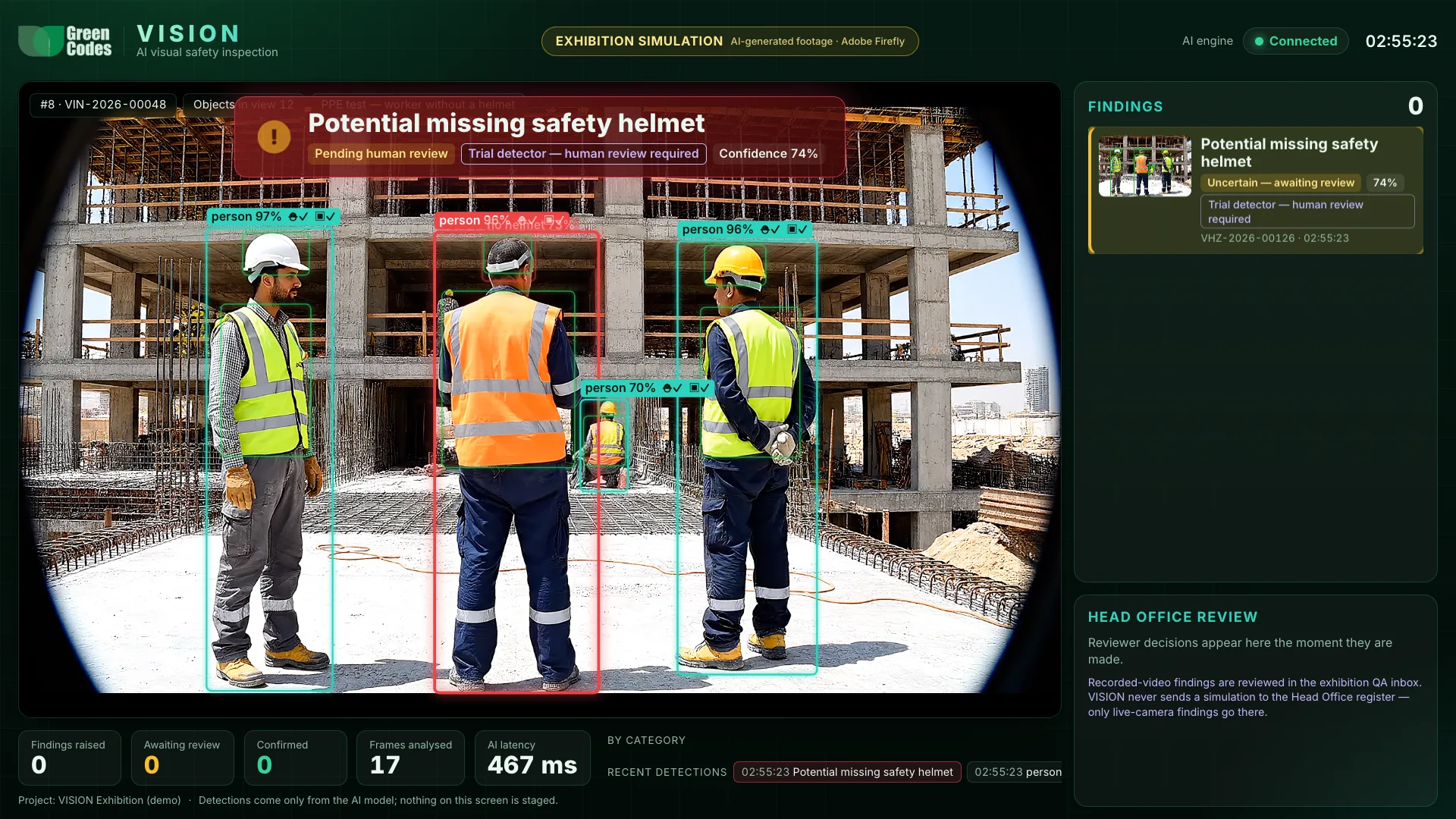
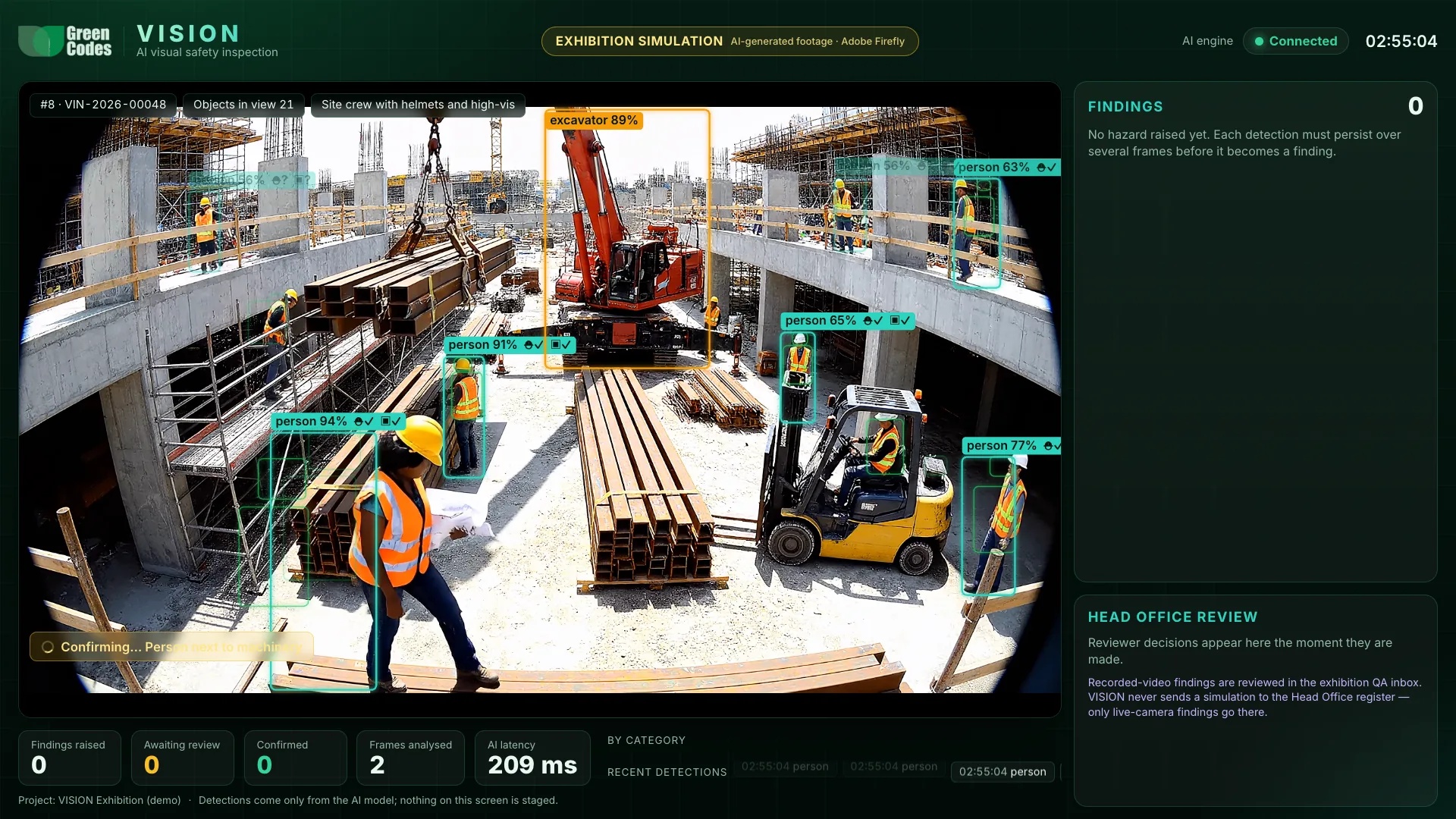
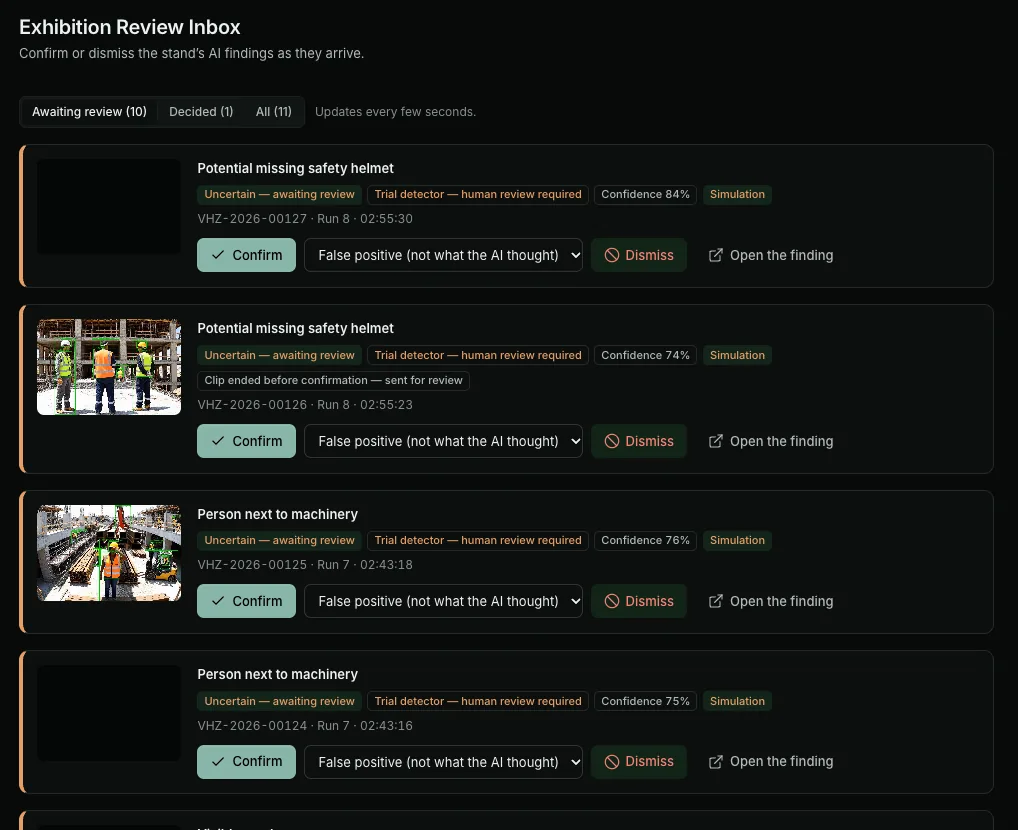
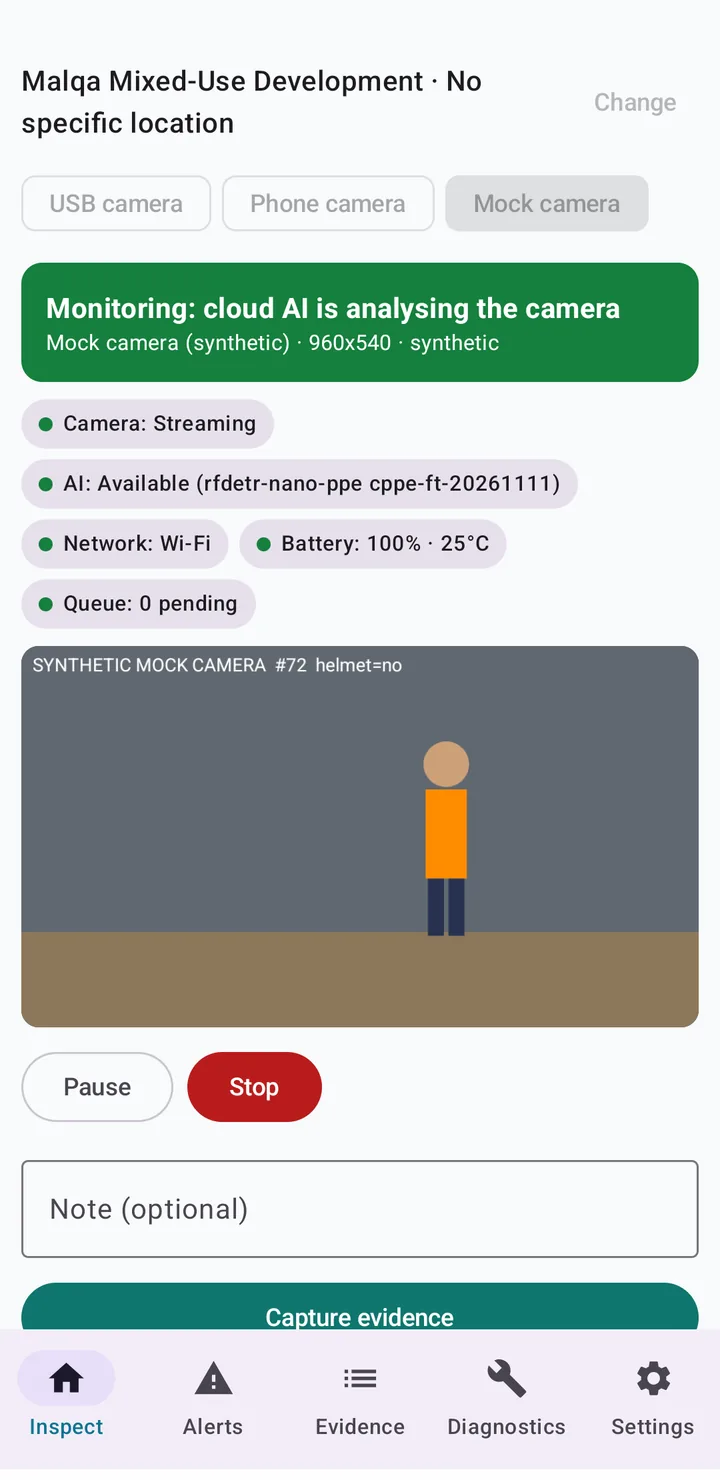
Real VISION Android app screens.
Capabilities
Each detection is raised as a potential hazard with its evidence attached; a competent person decides.
Flags a person whose head shows no hard hat, with the evidence frame attached.
Flags a person without a hi-vis vest or garment in view.
On a fixed camera, a person inside a zone you draw becomes a potential hazard.
Highlights people close to excavators, dump trucks and bulldozers. Always review-only.
Flags visible smoke outdoors. Dust and haze can trigger it, so every alert is reviewed.
Inspectors tag any hazard by hand with a photo, clip and note — no AI involved.
Integrations
VISION is a module of Green Codes Pro, so findings flow into the HSE records your teams already use.
A confirmed finding becomes an observation draft with its evidence attached.
Follow-up is assigned and tracked through Pro’s corrective-action workflow.
USB cameras on Android devices, phone cameras and browser webcams.
Android safety walks with evidence capture and spoken alerts in Arabic or English.
For high-severity hazards, escalations, assignments and completed walk reports.
Safety walk reports and findings registers as PDF, Excel or CSV.
Applications
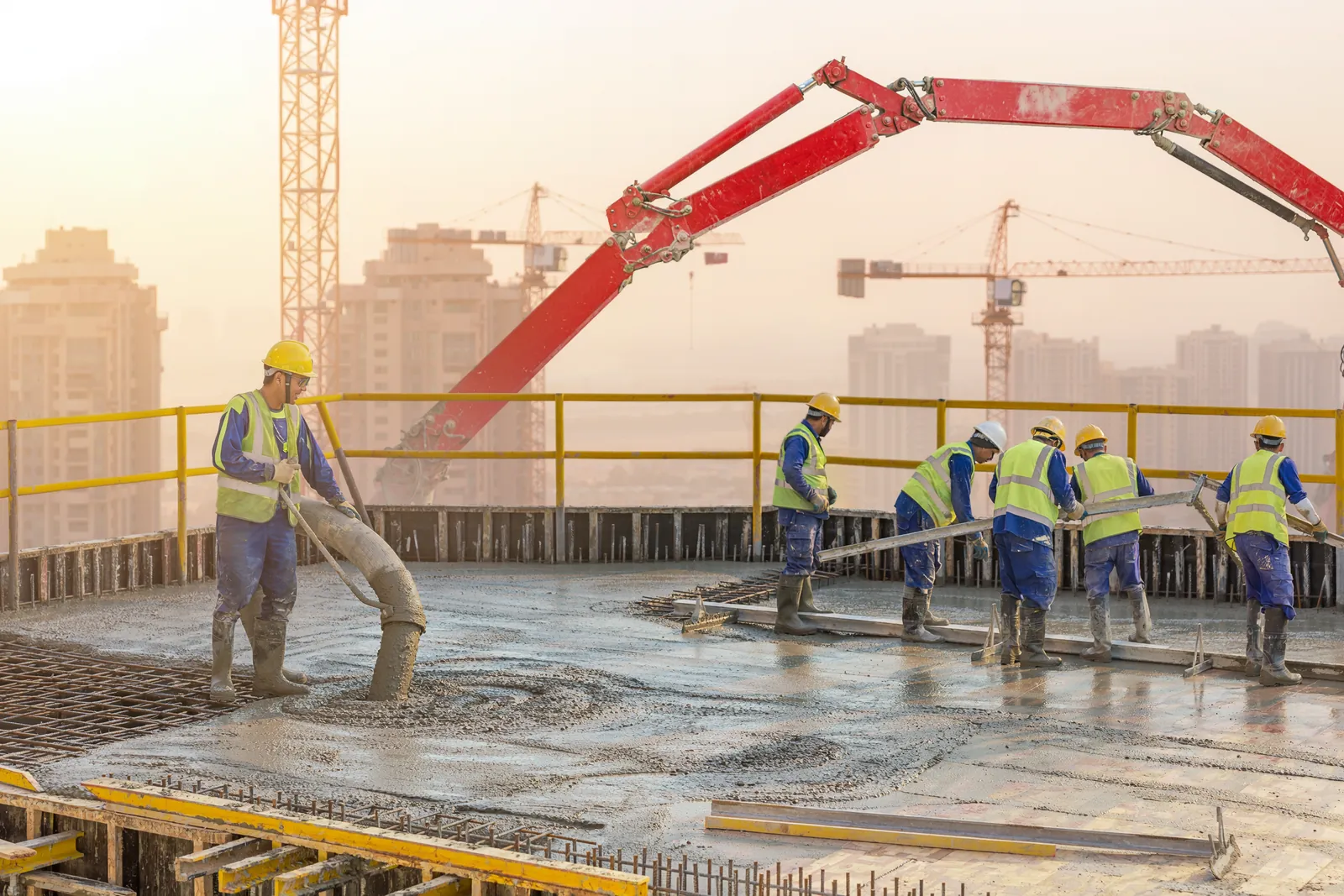 Construction
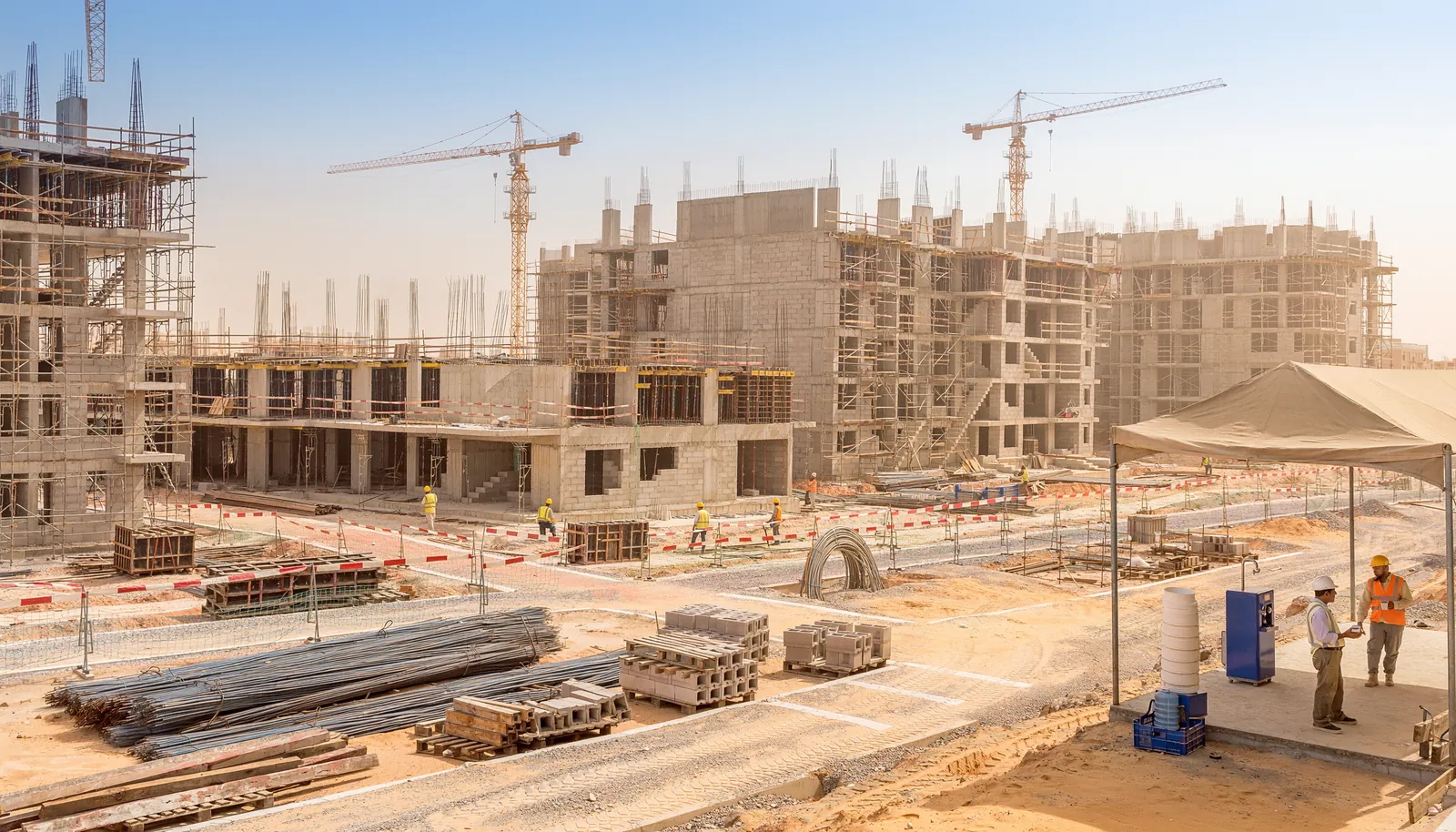 Infrastructure
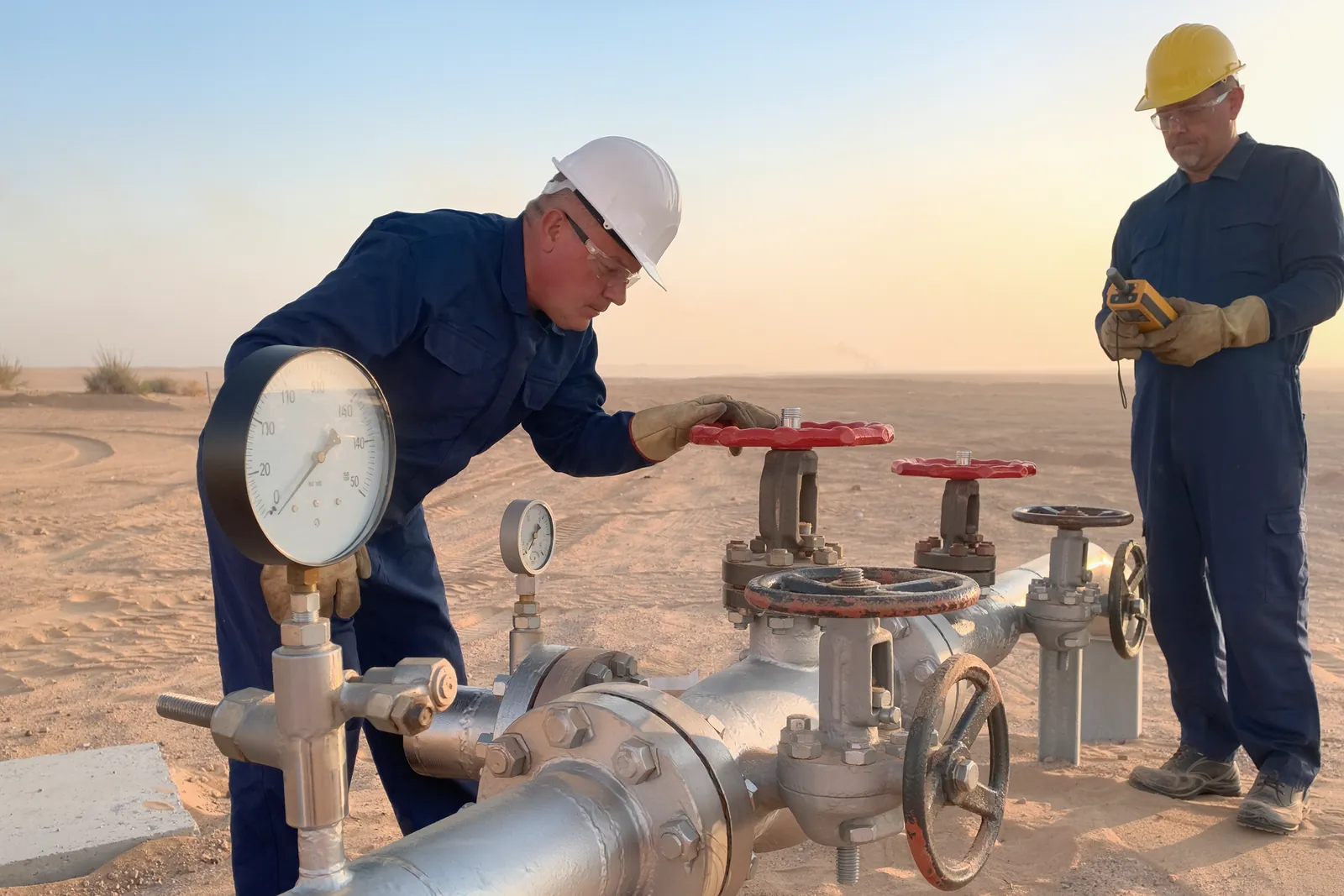 Oil, gas and energy
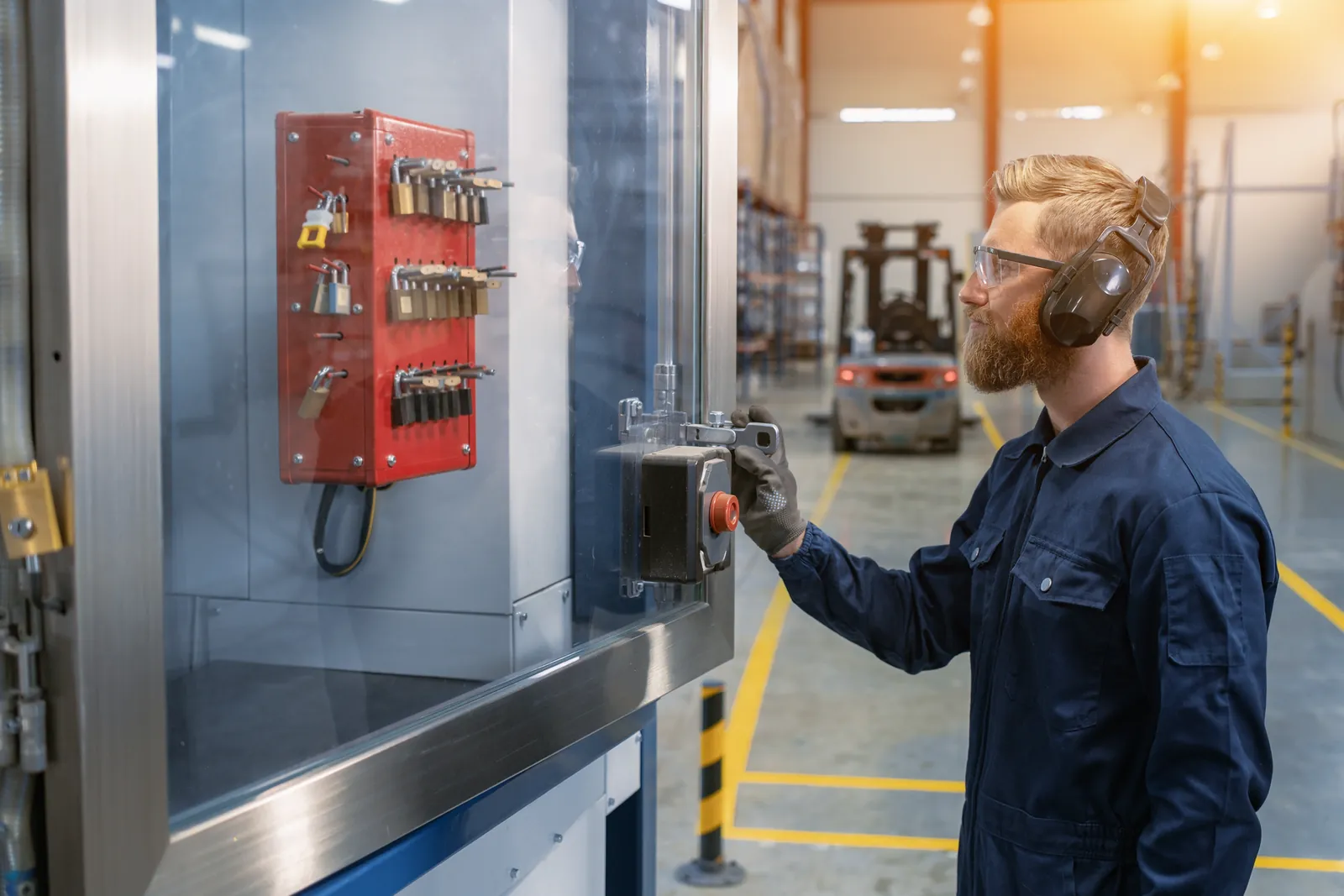 Manufacturing
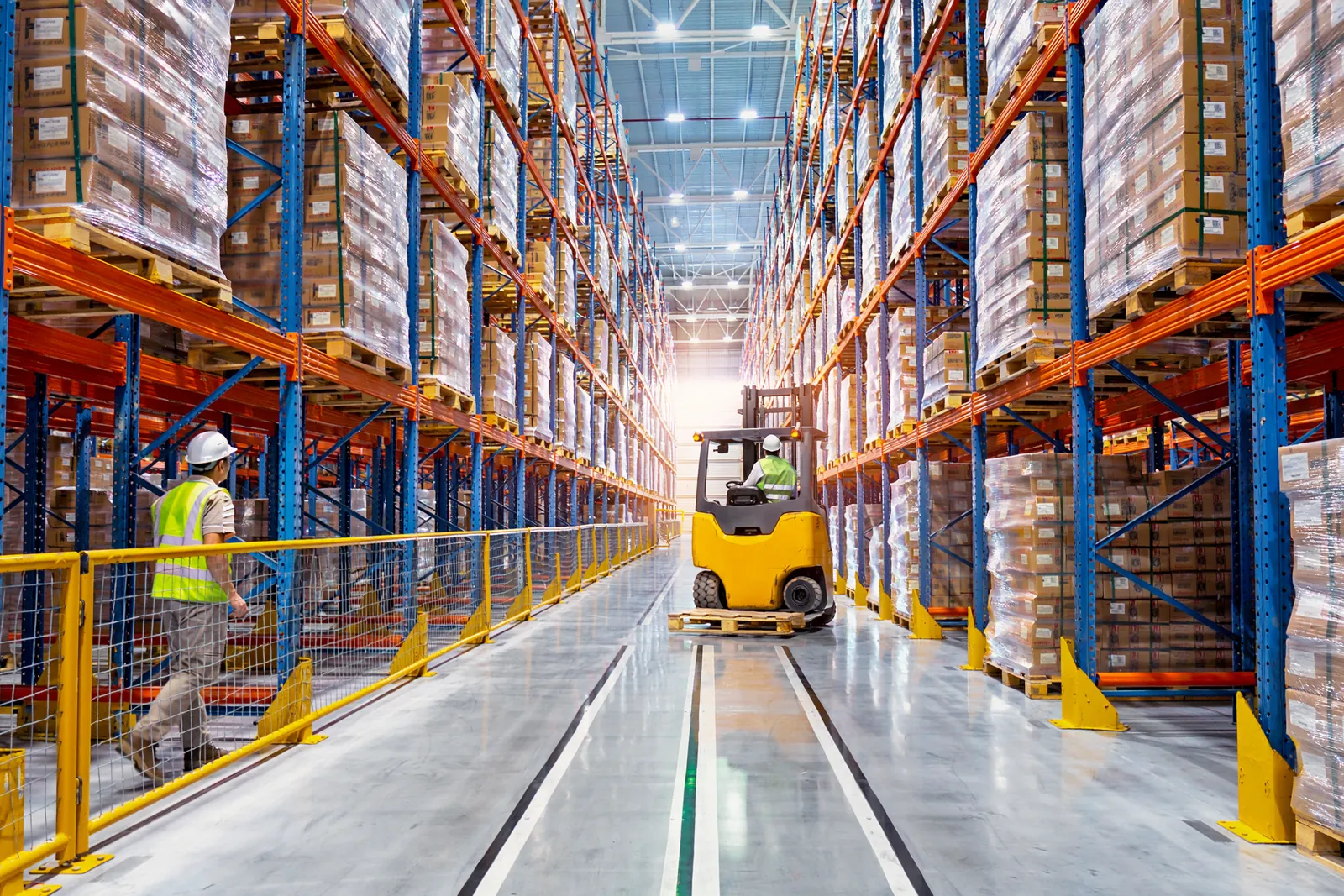 Logistics and warehousing
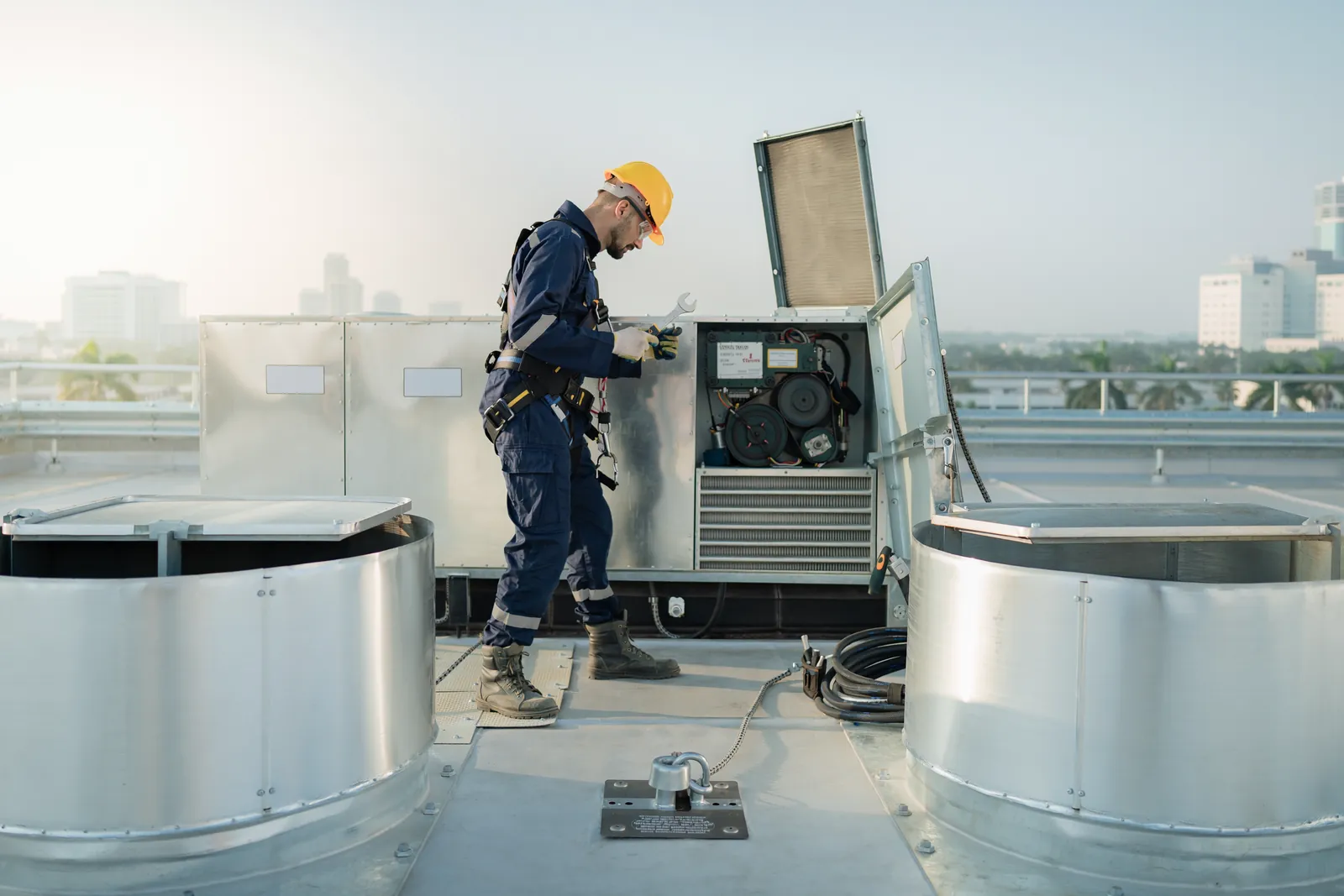 Facilities management
Illustrative image
The Green Codes ecosystem
VISION works alongside the rest of Green Codes: the records live in Pro, and VERSE builds the competence of the people on site.
Book a guided demonstration. We will walk through the exhibition scenarios, the human review workflow, and what a rollout on your projects would involve.