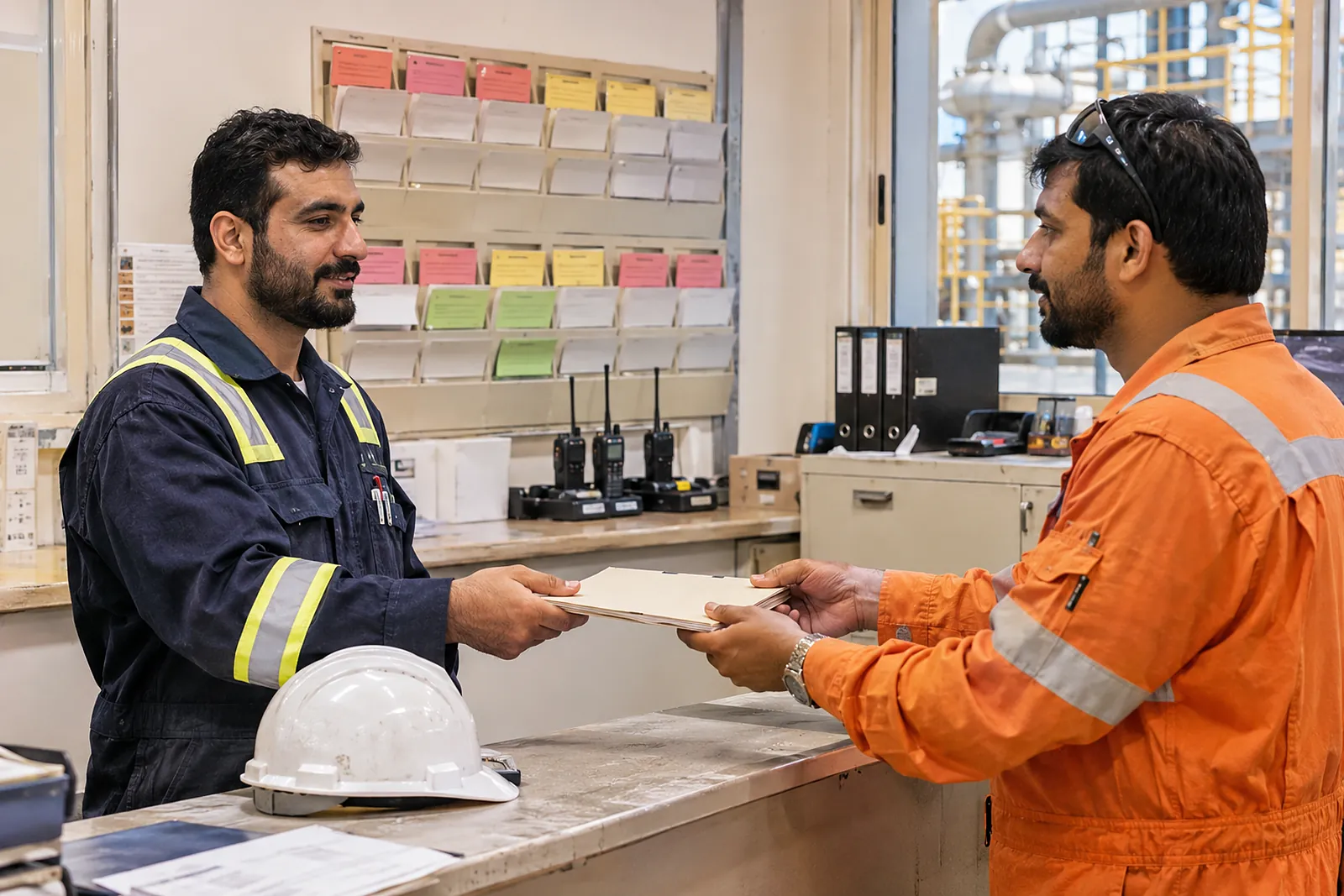
People decide
No automatic violation decision, ever. Review cannot be switched off.

 VISION
Three apps, working as one
How VISION works
Six steps that turn camera frames into reviewed, actionable HSE records — with people making every decision that matters.

An inspection session takes frames from a USB camera on an Android device, a phone camera or a browser webcam. Inspectors can add photos, clips and notes by hand.
The VISION inference service detects people, PPE, plant and smoke, follows them across frames, and applies the project’s rules and zones.
Each potential hazard waits for a competent reviewer, who sees the evidence and confirms it or dismisses it with a reason.
In-app and e-mail notifications go to reviewers and owners; confirmed findings can be spoken to the inspector through an earpiece.
Confirmed findings become Green Codes Pro observation drafts, and corrective actions are assigned and tracked.
Safety Walk Reports, a findings register, a risk matrix and exports give Head Office a view across sites — and show where detectors need improvement.
Principles
No automatic violation decision, ever. Review cannot be switched off.
No facial recognition, no worker identification, no per-worker statistics.
Simulations and demonstration footage are always labelled and never reach live records.
Frames are kept only for events, for a retention period you set.
Working with us
Indicative. Every project is scoped with you.
Your sites, the hazards you care about, your cameras and connectivity.
The exhibition scenarios and the review workflow, with detection on footage like yours.
Which camera sources fit, where processing will run, and the hardware safety rules.
Projects, rules, zones, reviewers and retention configured in Green Codes Pro.
Live sessions with every finding reviewed, and regular check-ins.
Confirmed versus dismissed findings, lessons learned and next steps.
Book a guided demonstration. We will walk through the exhibition scenarios, the human review workflow, and what a rollout on your projects would involve.