Safety Walk Reports
Each walk’s findings, evidence and an Arabic or English summary, approved or returned to site.

 VISION
Three apps, working as one
Real-time monitoring
Follow live sessions, see potential hazards as they are raised, and review each one with its evidence beside it. Nothing becomes a violation until a competent person says so.
Live view
Detections appear on the frame, findings stack up beside it, and every one is marked with its review status and confidence.
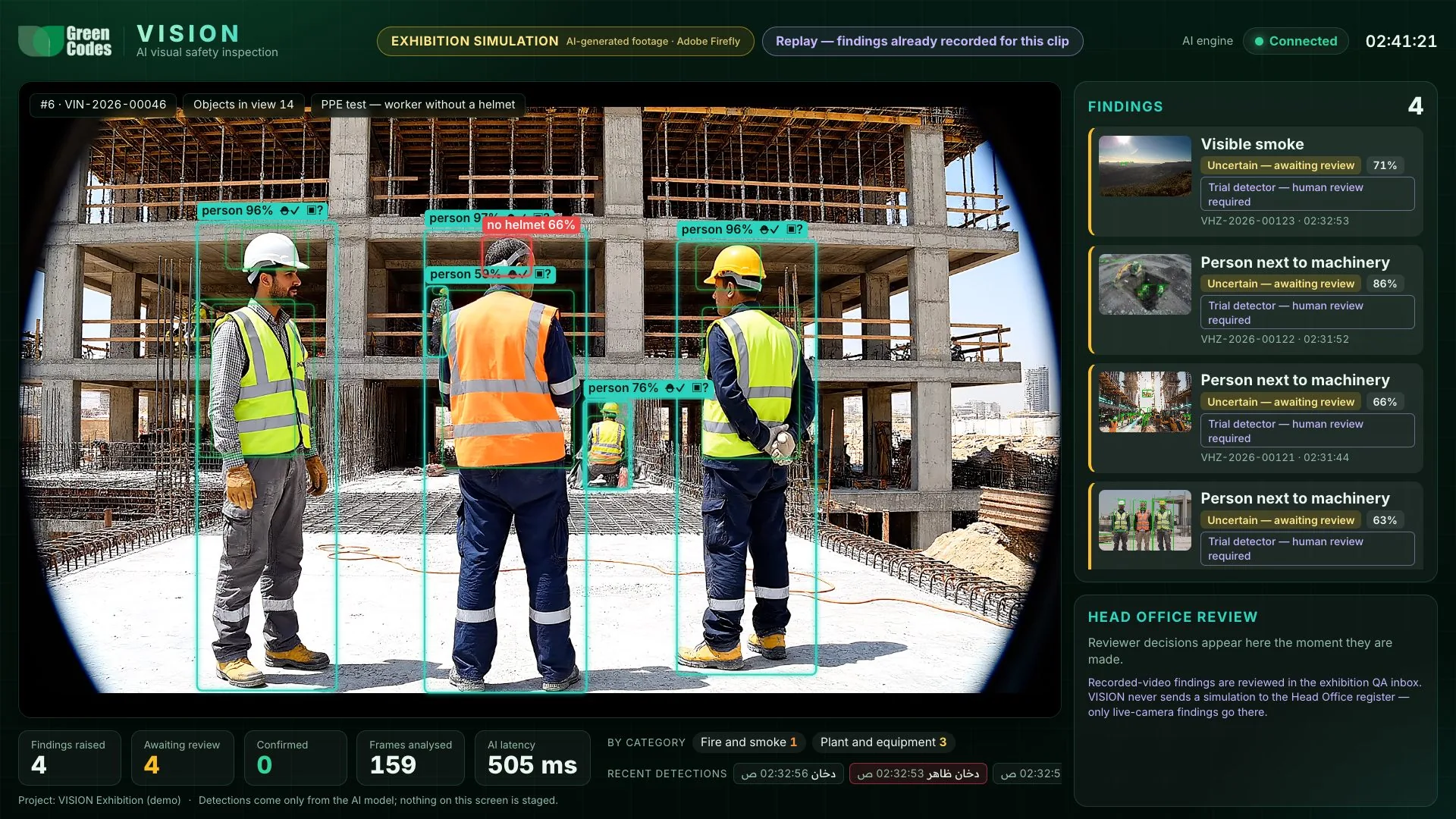
People, PPE status and plant are boxed on the frame with the model’s confidence.
Each potential hazard appears with a thumbnail, status and reference number.
“Pending human review” stays on every finding until someone decides.
Findings raised, awaiting review, confirmed, frames analysed and AI response time.
Event lifecycle
Raised by the AI. Waiting for review.
The evidence is mixed or incomplete. Never spoken or auto-reported.
A competent person agreed. It can now become an observation.
A person rejected it, with a reason that stays on the record.
Evidence review
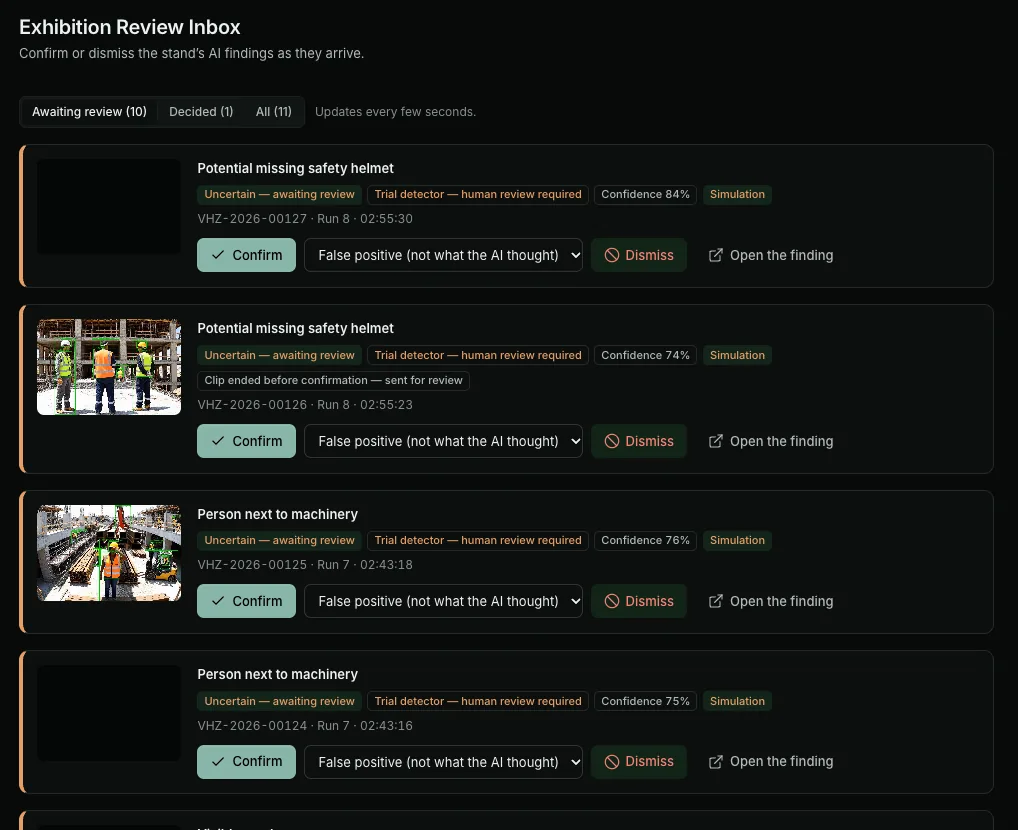
The review inbox shows each finding with its frame, status and confidence. One click confirms; dismissing asks for a reason.
Head Office oversight
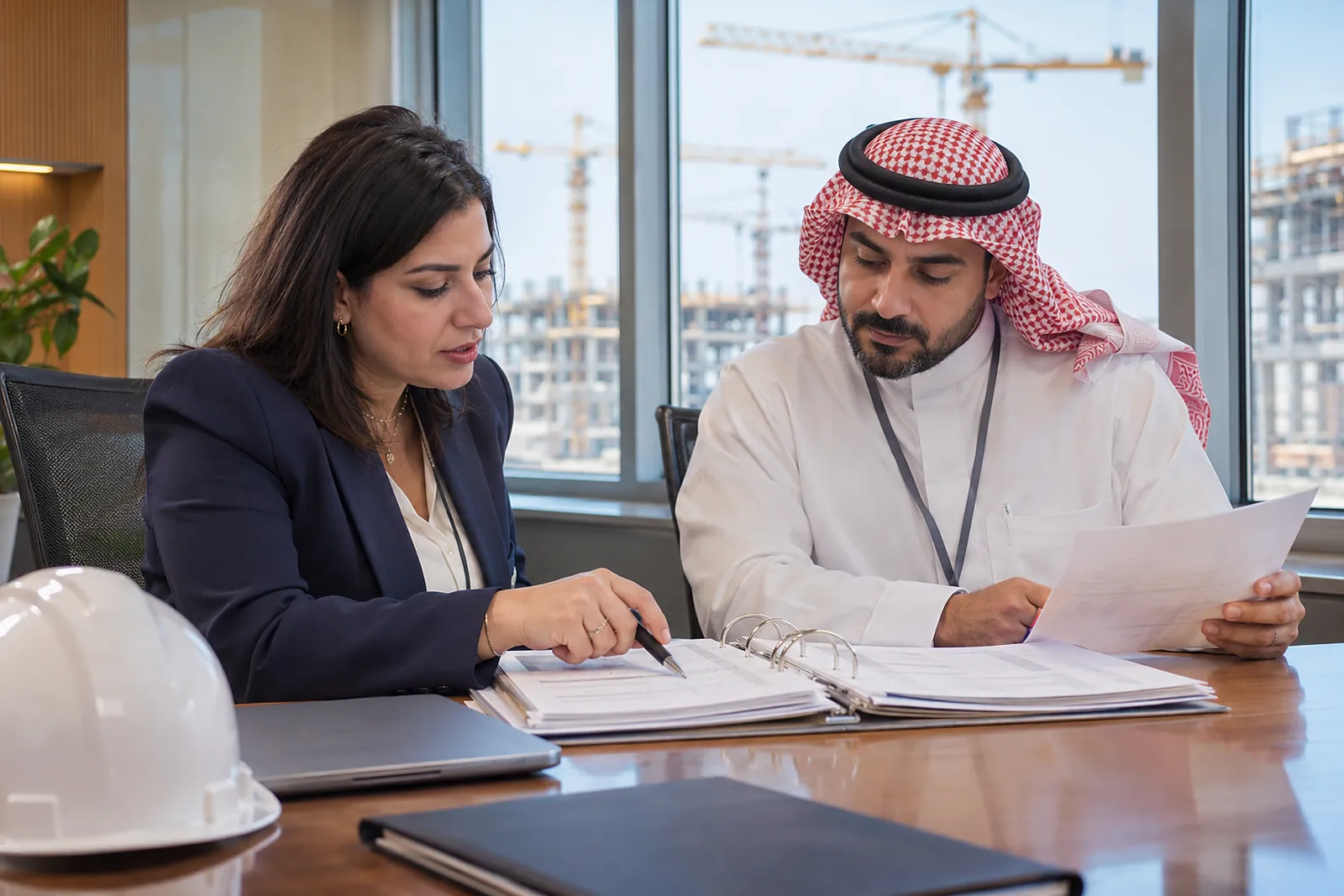
Each walk’s findings, evidence and an Arabic or English summary, approved or returned to site.
Every confirmed finding across projects with severity, owner and status.
Likelihood and severity, so attention goes where it matters.
Findings can be escalated to the people who need to act on them.
PDF, Excel and CSV for meetings and audits.
Inspectors cannot approve their own reports, on by default.
Report summaries are written by AI only when the organisation enables it, and are checked against the report’s figures; otherwise they are written from the figures directly. The page always says which.
Book a guided demonstration. We will walk through the exhibition scenarios, the human review workflow, and what a rollout on your projects would involve.