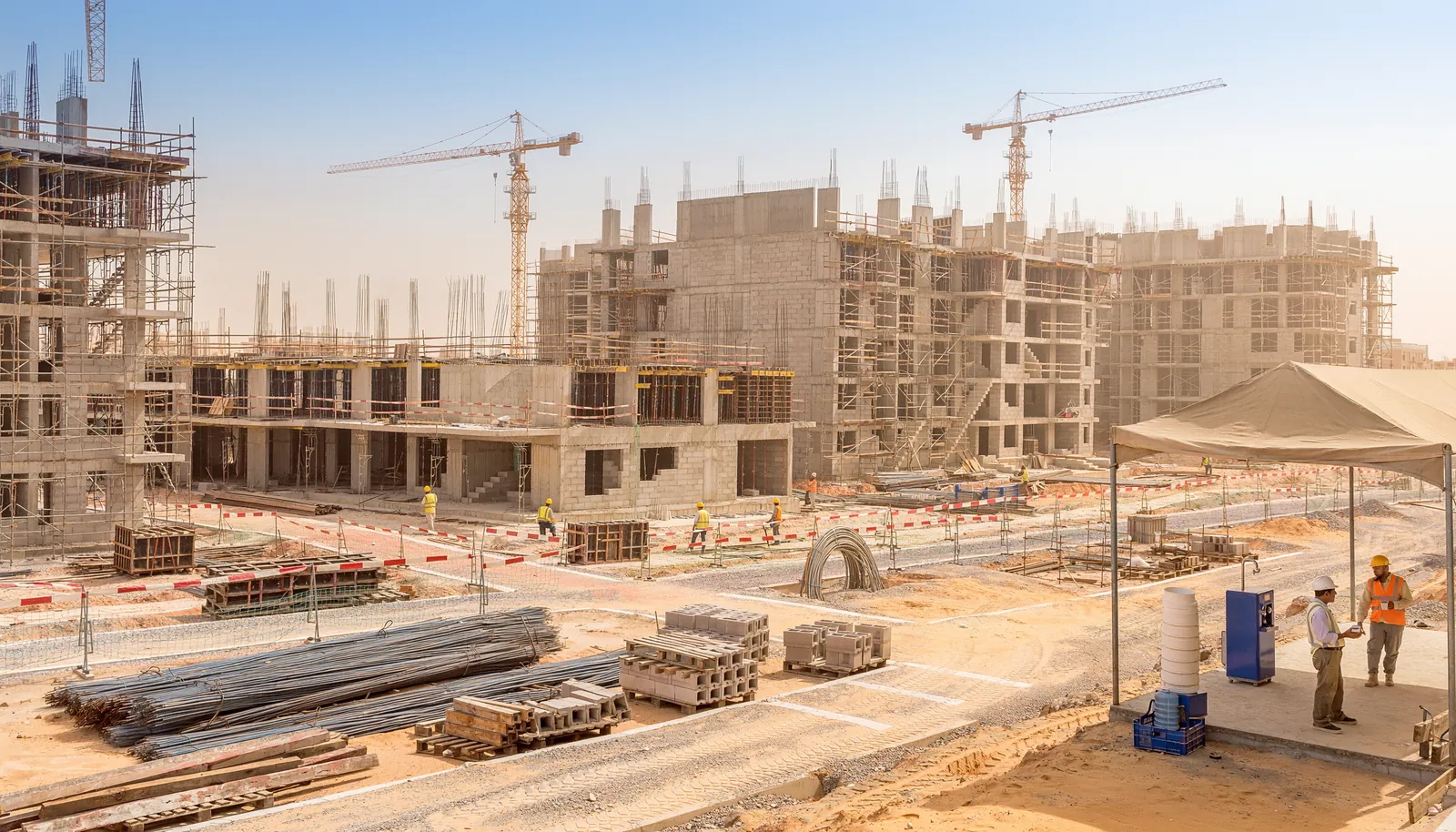
Missing safety helmet
Flags a person whose head shows no hard hat and attaches the evidence frame. Trained on construction-PPE imagery.
Works best with a clear view of the person; distance, angle and occlusion matter.

 VISION
Three apps, working as one
AI safety detection
VISION watches inspection camera feeds for missing PPE, people inside exclusion zones, people close to machinery and visible smoke. Every detection is raised as a potential hazard and confirmed by a competent person before anyone acts.
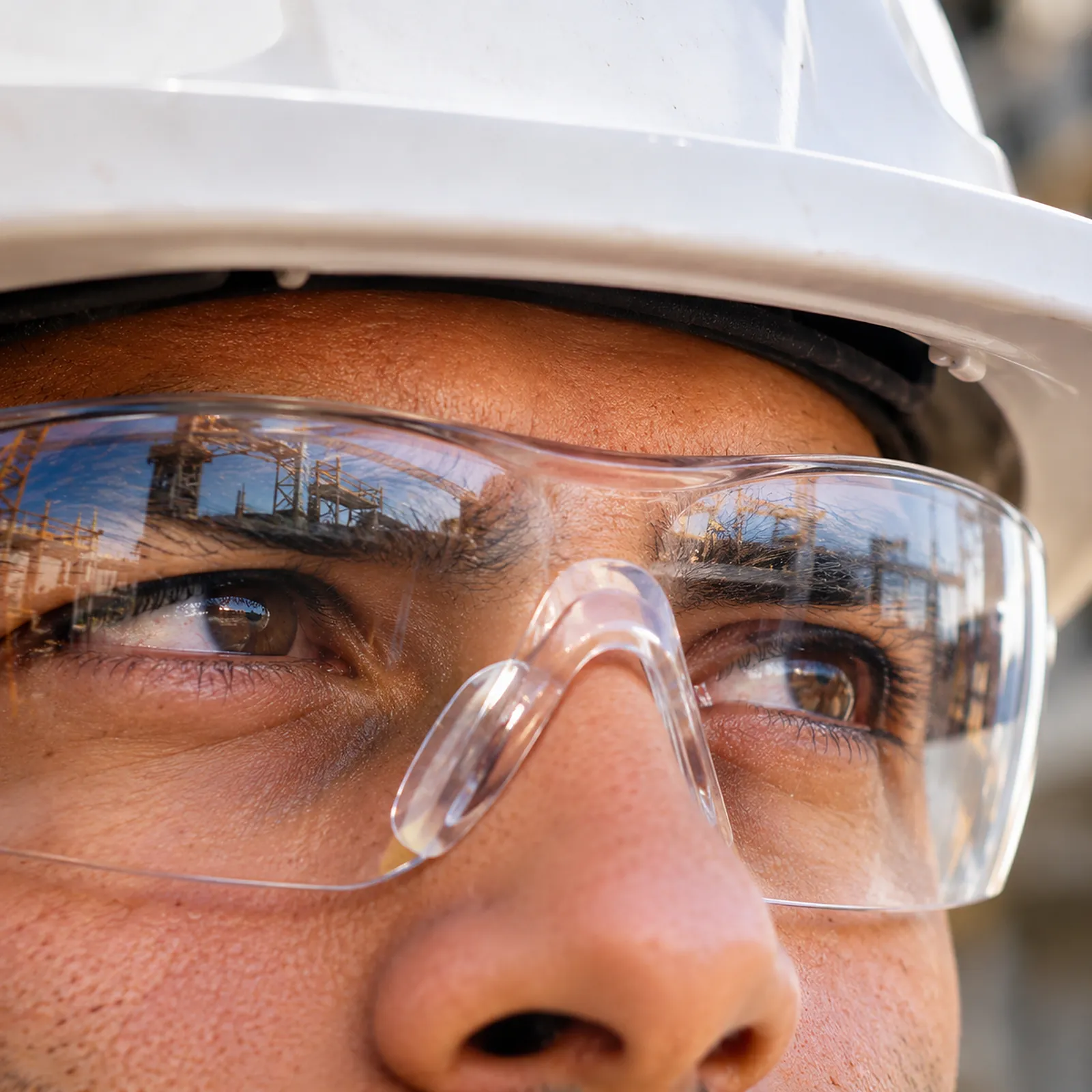
Flags a person whose head shows no hard hat and attaches the evidence frame. Trained on construction-PPE imagery.
Works best with a clear view of the person; distance, angle and occlusion matter.
Flags a person without a hi-vis vest or garment in view.
Clear, well-lit views give the most reliable results.
On a fixed camera, a supervisor draws the zone on the image. A person detected inside it becomes a potential hazard.
If the camera is moved, the zone is simply redrawn.
Flags people close to excavators, dump trucks and bulldozers in the image.
Closeness in an image is not measured distance, so these findings are always confirmed by a reviewer.
Flags visible smoke in outdoor scenes so it can be checked quickly.
Dust and haze can resemble smoke, so every alert is reviewed.
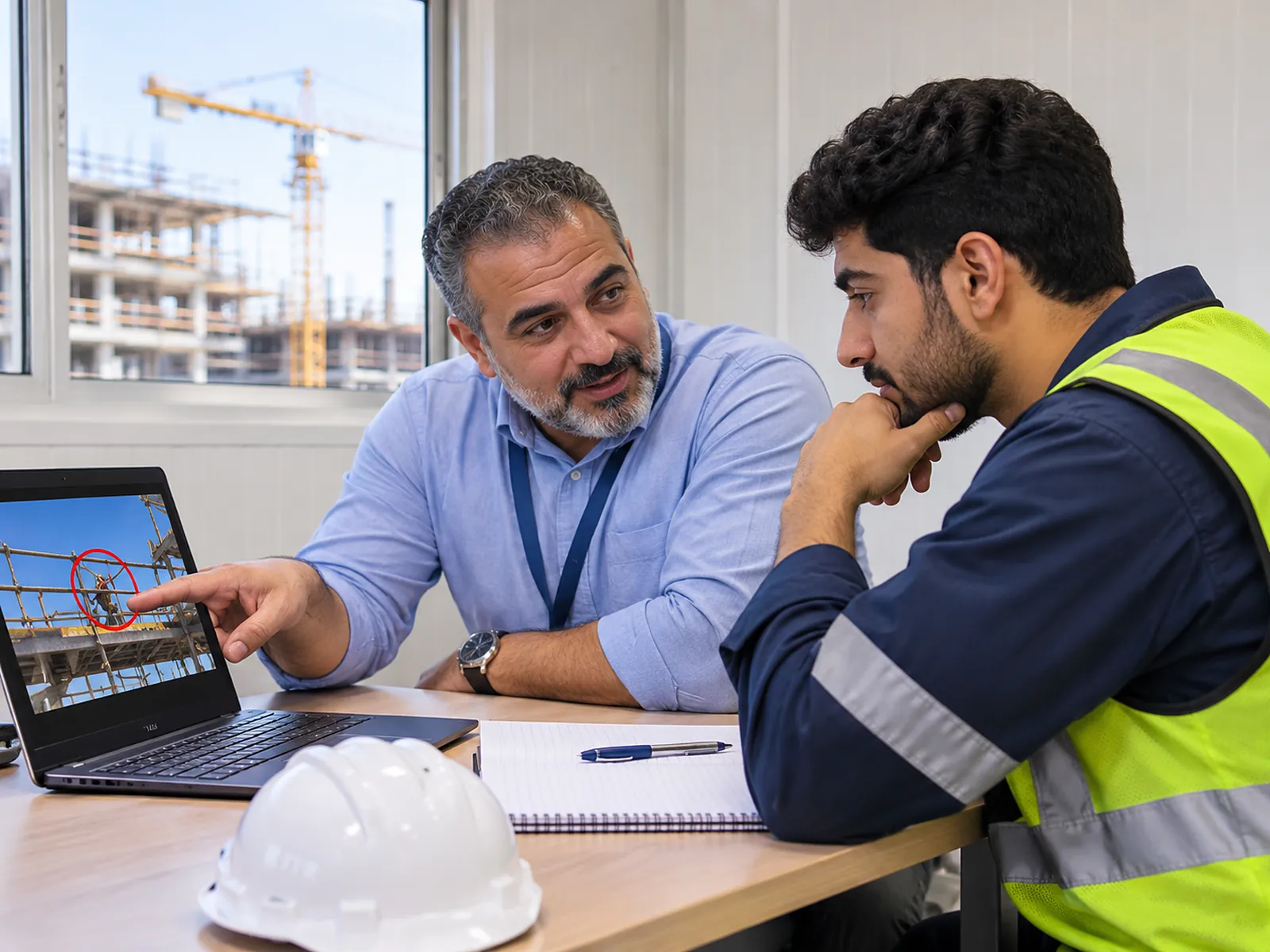
Inspectors tag any hazard by hand with a photo, video clip and note. It follows the same review and reporting path as AI findings.
Simulation and training
Simulation sessions cover a wider set of site conditions for inductions, toolbox talks and exhibitions — always kept separate from live records.
Unprotected edges, floor openings and missing guardrails.
Ladder use, blocked walkways and exits, excavation barricades and suspended loads.
From detection to finding
The model finds people, PPE, plant or smoke in each sampled frame.
An object is followed across frames; a potential hazard is raised only when it persists, not on a single flicker.
The same hazard on the same person is not raised over and over.
The finding waits as “potential” until a competent person confirms or dismisses it.
Try the review step
This interactive example uses a real VISION finding from the exhibition environment. Decide what you would do with it.
Interactive illustration — not live model output
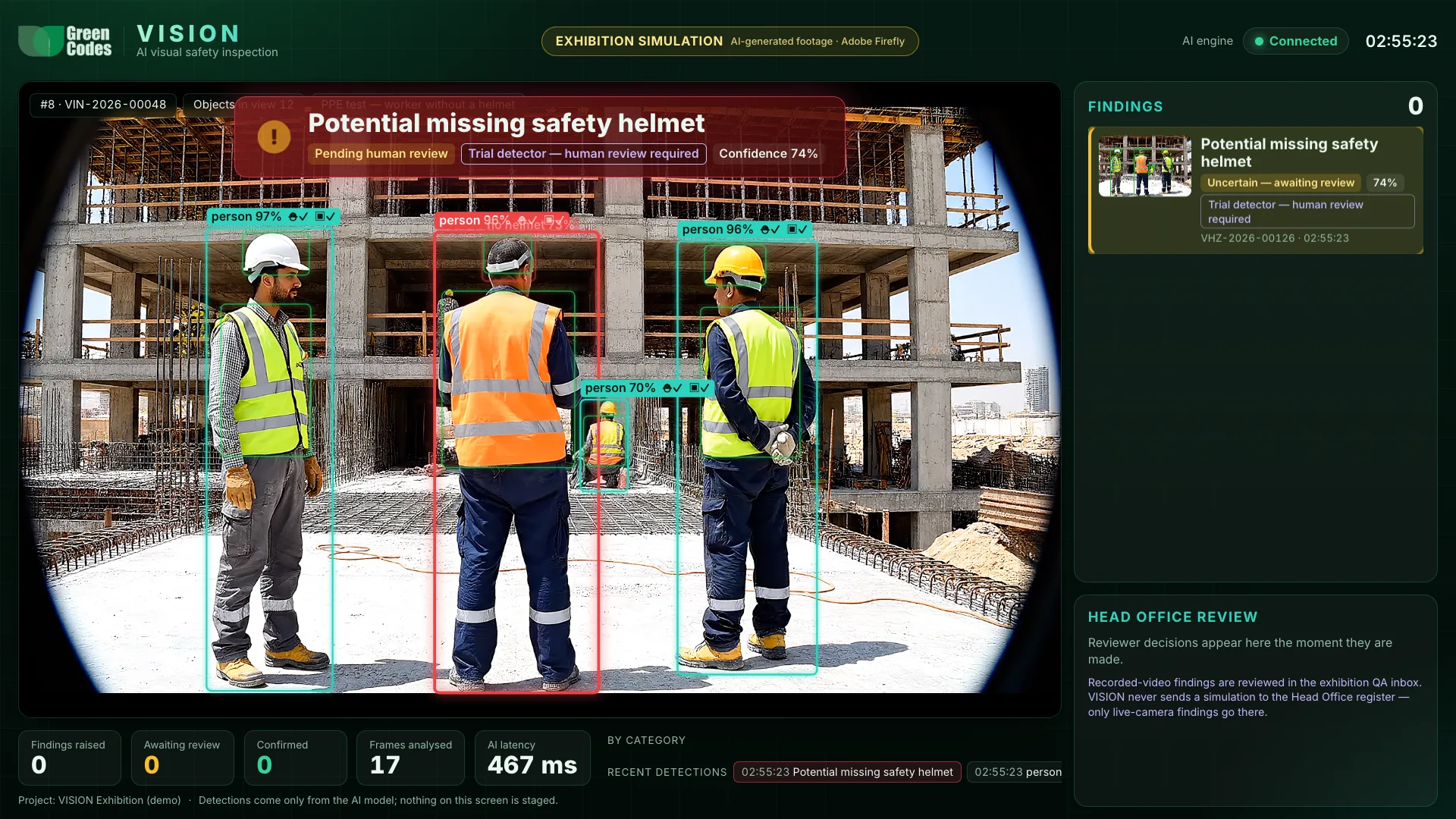
Confidence 74% · pending human review
Confirmed. In Green Codes Pro this finding can now become an observation draft with its evidence attached, and a corrective action can be assigned.
Dismissed with a reason. The decision and reason stay on the record, so teams can see how detection performs on their sites.
Illustration of the review step. Nothing is sent anywhere.
Getting the best results
VISION assists competent HSE professionals. An AI detection is a potential hazard until a person confirms it.
Book a guided demonstration. We will walk through the exhibition scenarios, the human review workflow, and what a rollout on your projects would involve.